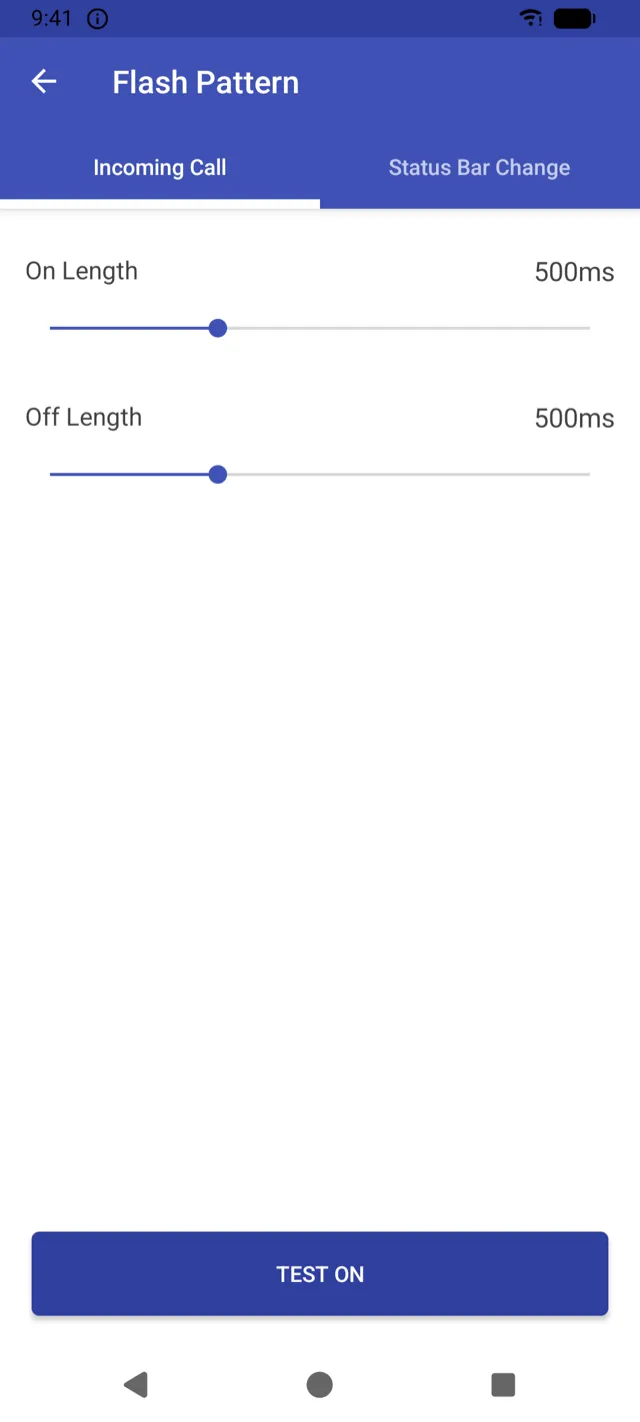
01Flash pattern
Set your own
flash pattern
Adjust on and off time, then test it.
Calls and app notifications each get their own pattern. Set how long the LED stays on and off, and how many times it blinks for every notification.
Flash notifications since 2013
Flash Alerts 2 blinks your phone’s LED flashlight for incoming calls, SMS text messages and app notifications — so you never miss an alert in a silent meeting, a loud room, or if you’re deaf or hard of hearing.
When it helps
Meetings, classes, libraries and offices on silent or vibrate.
Concerts, factories, construction sites, gyms and busy streets.
Headphones on, or your phone lying face-down on the desk.
A visual alert you can see, instead of a ringtone you can’t hear.
Features
01Flash pattern
Adjust on and off time, then test it.
Calls and app notifications each get their own pattern. Set how long the LED stays on and off, and how many times it blinks for every notification.
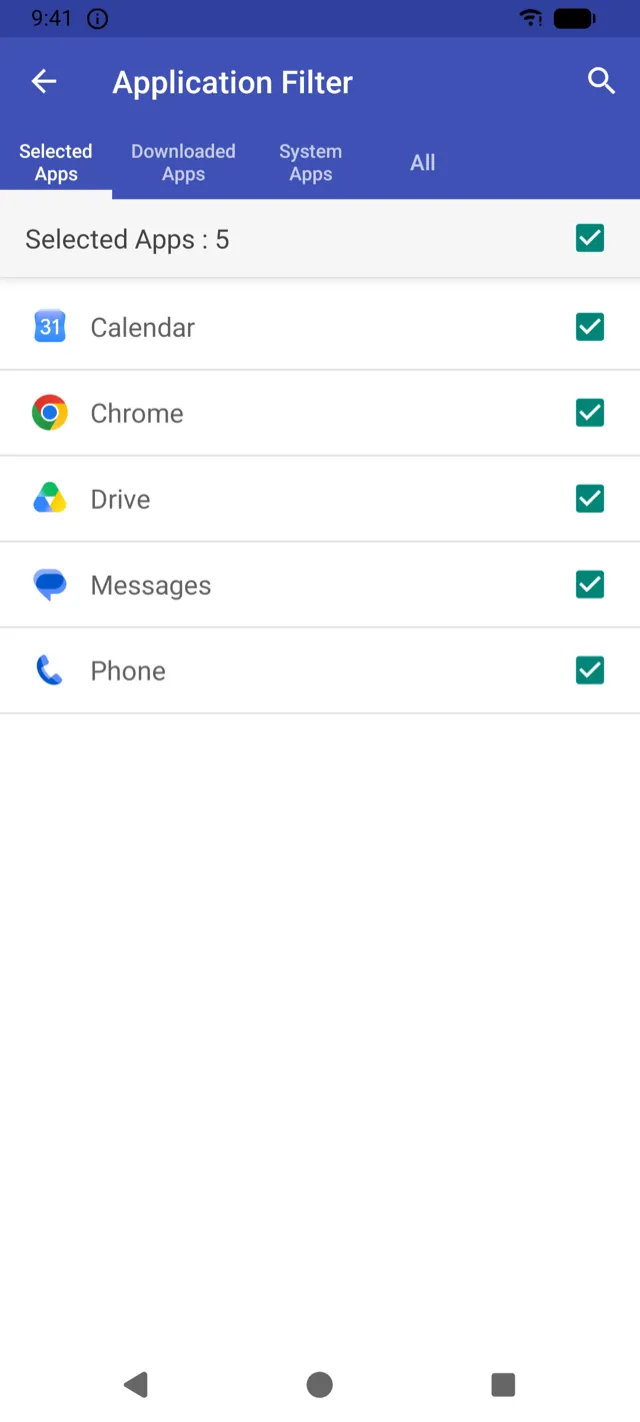
02Application filter
Pick messages, chat, calendar and more.
Search your installed apps and choose exactly which ones trigger a flash — your SMS app, messengers, email, calendar or anything that shows notifications.
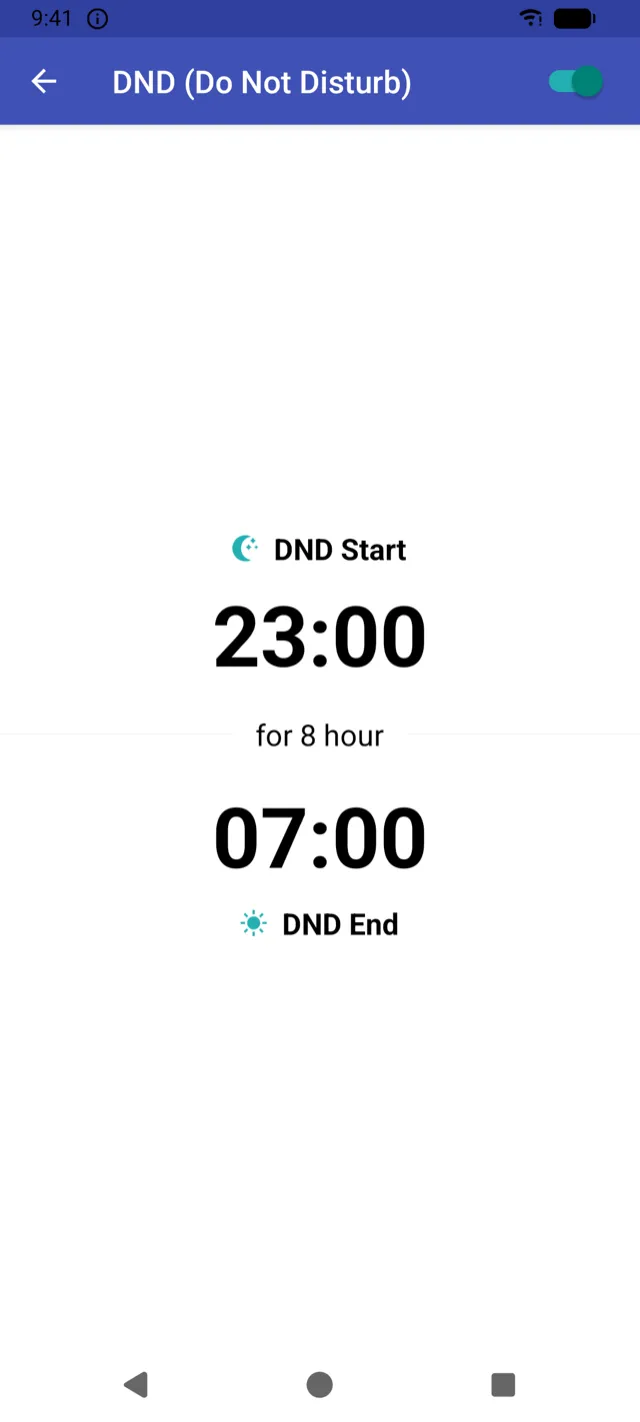
03Do Not Disturb
Pause flashes during the hours you set.
Set a start and end time and the flash rests while you sleep. Need it off right now? Use the home screen widget.
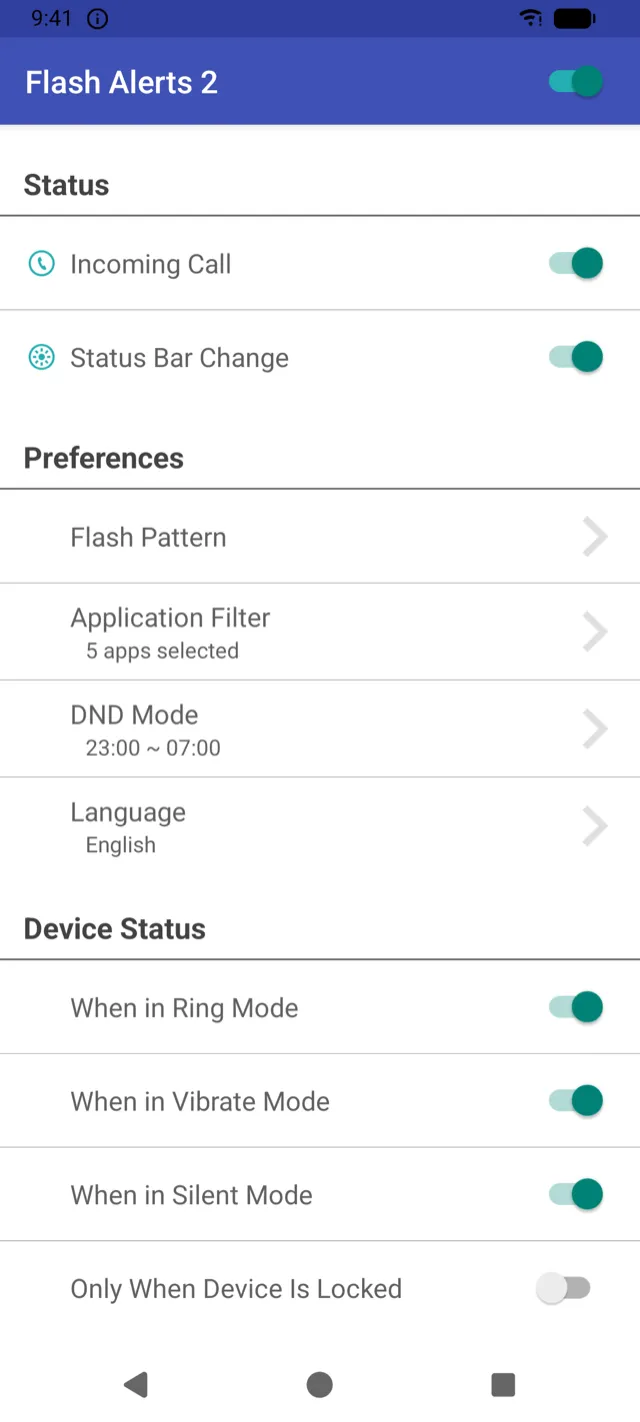
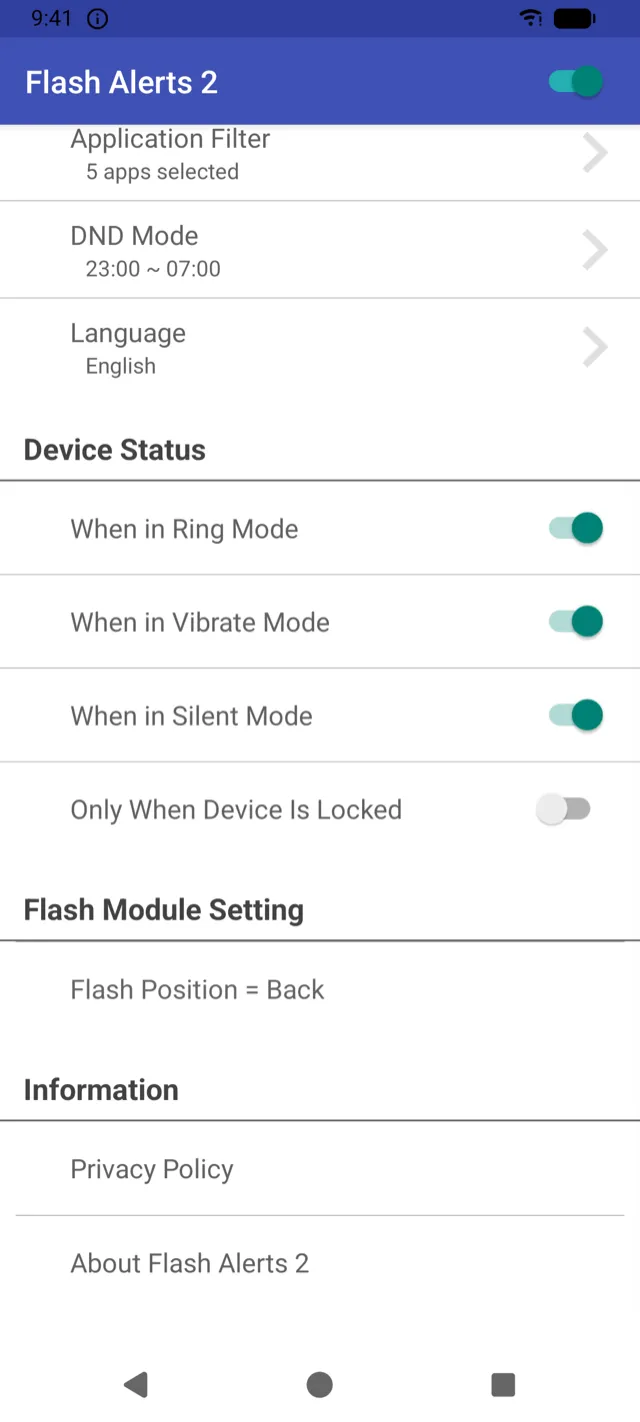
04Device status
Or flash only when locked.
Turn flashing on or off for each sound mode, and limit it to when your phone is locked so it never blinks while you’re using it.
And more
Flash for incoming voice and video calls from apps on Android 12 and above.
Use the rear LED, the front LED on supported devices, or both at once.
Auto (recommended), Standard, or a mode that minimizes status bar flicker.
Turn flash alerts on or off at a glance.
Switch the app’s language right from its settings.
Easy on the eyes, day or night.
Privacy
Incoming calls are detected from the phone state, and app alerts through Notification Access. That’s all Flash Alerts 2 asks for.
Getting started
Turn on Flash Alerts 2 in the settings screen the app opens for you. It’s how app notifications are detected.
Choose your texting app, messengers and anything else. If no app is selected, app notifications won’t flash.
Keeps flashing reliable even when the screen is off.
Yes. Once Flash Alerts 2 is excluded from battery optimization, the flash blinks even with the screen off. You can also limit flashing to when the device is locked.
Open the Application Filter and select your messaging app. Only the apps you select trigger a flash.
No. Flash Alerts 2 uses Notification Access to detect app notifications and the phone state to detect incoming calls. It does not request SMS, contacts or call log permissions.
Yes. Schedule Do Not Disturb hours, or turn flash alerts off with the home screen widget.
Most issues come down to one of the three setup steps — double-check that you’ve selected apps in the Application Filter. Some phones close background apps aggressively, so allowing Flash Alerts 2 to run in the background can help.
Flash on call, SMS and app alerts — free on Google Play.
Get it onGoogle Play